Revolutionizing your cubicle desk for the modern workspace
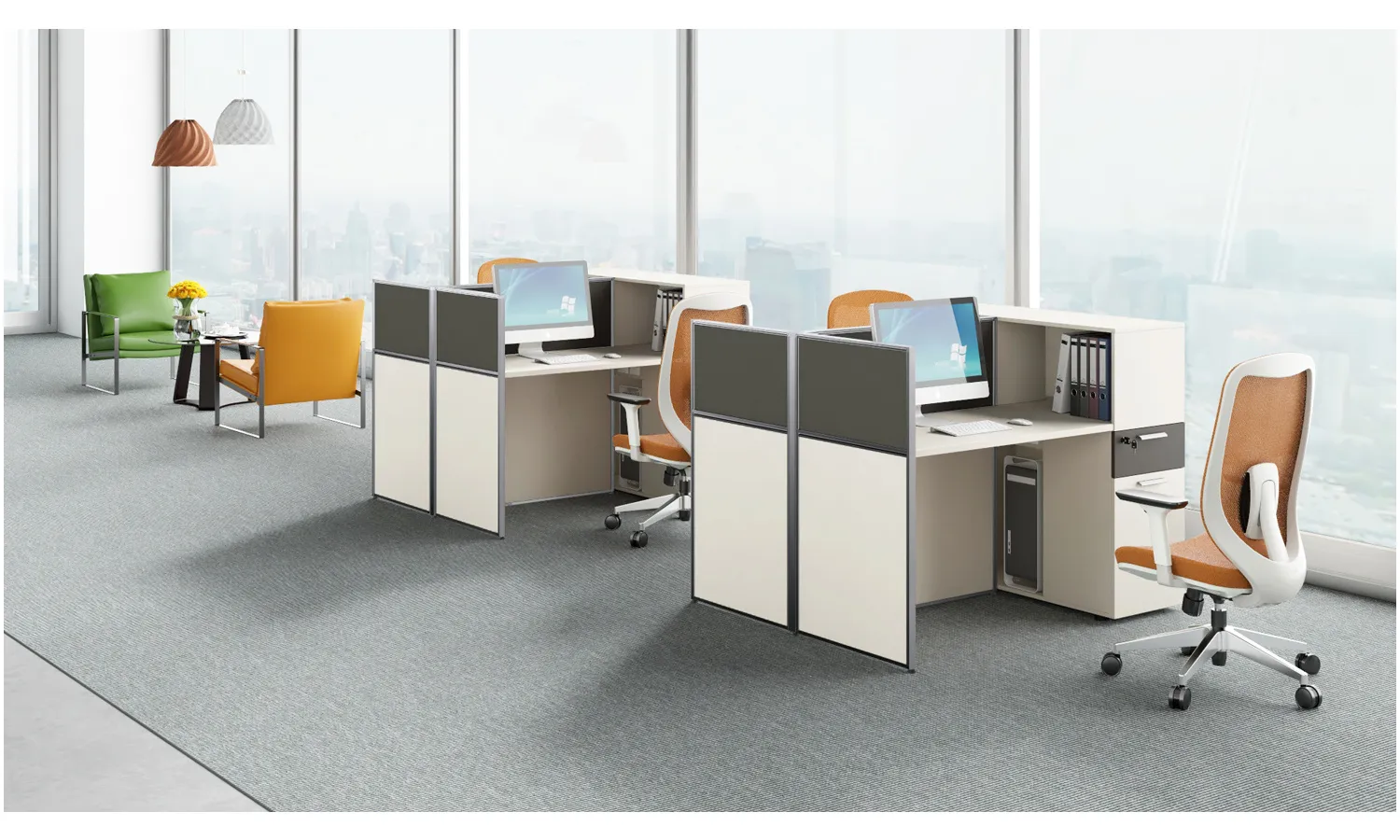
In the modern office, employees often spend a large portion of their day at a desk that can make or break productivity. Revamping a cubicle isn’t about a flashy trend; it’s about creating a personal command center that supports focus, health, and collaboration. That is why revolutionizing your cubicle desk for the modern workspace is a practical goal for today’s professionals. This approach matters especially in open-plan cultures where noise, glare, and constant interruptions can derail deep work. By focusing on the interface between you and your desk, you create a foundation for better workflow, quicker decision-making, and less physical strain.
When you design with intention, your cubicle becomes a versatile hub rather than a cluttered catch-all. Ergonomics, lighting, and organized storage all contribute to steadier energy throughout the day. A well-conceived setup reduces fatigue, minimizes strain, and sets the stage for quick collaboration with teammates nearby or across your virtual network. Small but thoughtful changes can ripple into clearer thinking, improved mood, and higher throughput on projects you care about.
Practical steps to transform your cubicle
Start with the basics: ergonomic seating, a desk that matches your height, and a monitor positioned at eye level. A good chair with lumbar support and adjustable arms reduces back tension, while a monitor arm or stand eliminates the need to lean forward. Cable management keeps your surface clear, which makes room for essential tools like note pads, a water bottle, and a small plant that boosts mood. By setting these fundamentals, you create a sturdy platform for more ambitious upgrades over time.
- Adjust your chair so your feet rest flat on the floor and your knees are at a 90-degree angle.
- Place your monitor at about an arm’s length away, with the top line at or just below eye level.
- Use a keyboard tray or a stand to keep wrists straight and comfortable during typing.
- Incorporate a simple cable management system to reduce visual clutter and tripping hazards.
- Add a compact document stand or inline whiteboard for quick notes during meetings.
- Choose a durable, space-efficient lamp with soft, glare-free lighting to improve focus.
Tech that fits a modern workspace
Wireless peripherals simplify your desk and free up surface area for essential tasks. Consider a lightweight USB-C hub, a compact wireless charger, and a laptop stand that keeps ports accessible but out of the way. If you collaborate often, a small webcam with a built-in privacy cover and a noise-reducing headset can make virtual meetings feel more natural and productive. Integrating smart devices like a timer or a simple message board can also help you stay on track without piling up screens and reminders.
Design and organization tips
Color and texture influence mood and focus. Choose a neutral base with a few accent colors that energize without distracting. Use vertical storage like wall-mounted shelves and magnetic boards to keep the working surface clear. Labeling bins, using slim file organizers, and creating a “nearing capacity” box for papers can tame chaos and speed up daily routines. A tiny plant or a framed photo can add warmth to a cubicle that might otherwise feel sterile. By layering form and function, you cultivate a workspace that reflects your personal style while remaining professional and efficient.
Measuring impact and keeping momentum
Track how the changes affect energy, productivity, and meeting outcomes. If you notice longer stretches of deep work, fewer interruptions, and less eye strain, you’ve validated your investment. Revisit your layout every few months as teams shift and projects evolve—what works now may need a tweak later. Regular, small improvements compound into a substantial return on both time and well-being, turning a routine desk into a high-performance cockpit for daily work and big ideas alike.
For more inspiration, visit the NewsDean homepage.